




Search another article?
Register a collector
After the collector is configured (), it must be associated with the correct tenant in order to start to send logs. You can do this operation in two ways:
Registration using key
If the SGBox manager provides you the key you can register the collector using the CLI. You have to connect to the collector using a terminal emulator (a program like Putty). Default credentials are:
user: sgbox
pass: sgbox
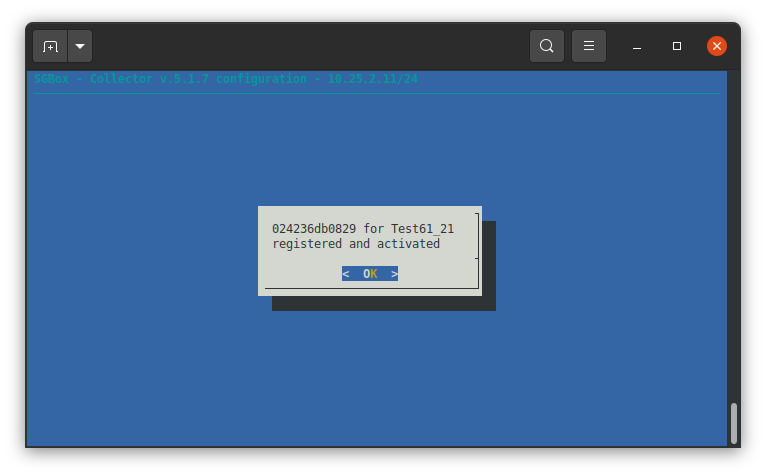
Go to Collector > Register collector then insert the key. In our example the key is “Key1234”, see section 3 (Create new tenant). If the registration succeeded the following message is shown.
Registration using web interface
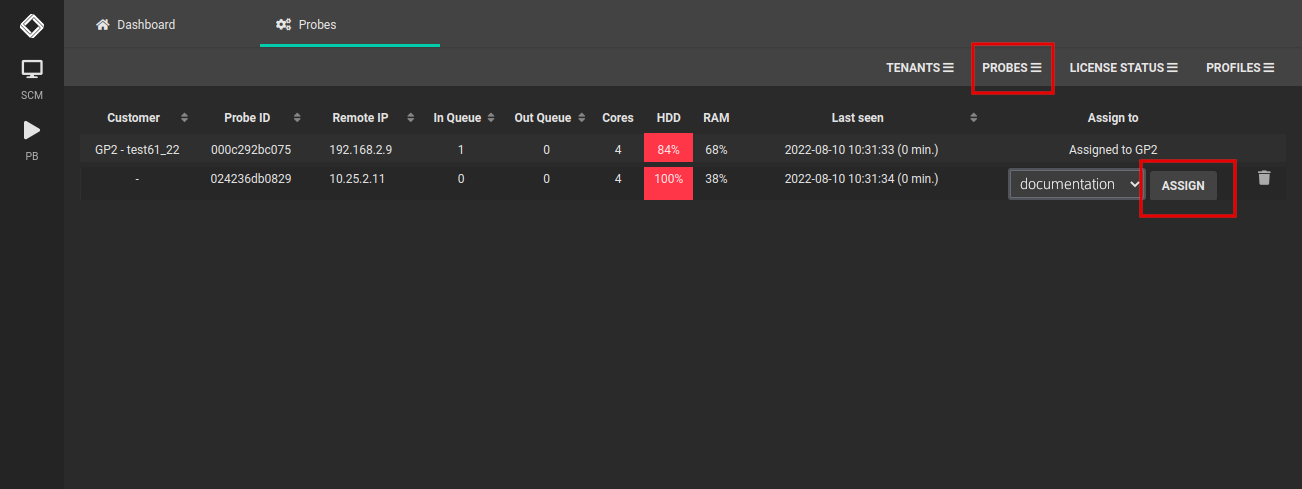
A SGBox manager can manually associate a collector to a specific tenant. Also if the collector is not registered, it appears as “not assigned” in the list of collectors: SCM > Multi tenant > Manger section PROBES.
You can select the correct tenant and click on ASSIGN.
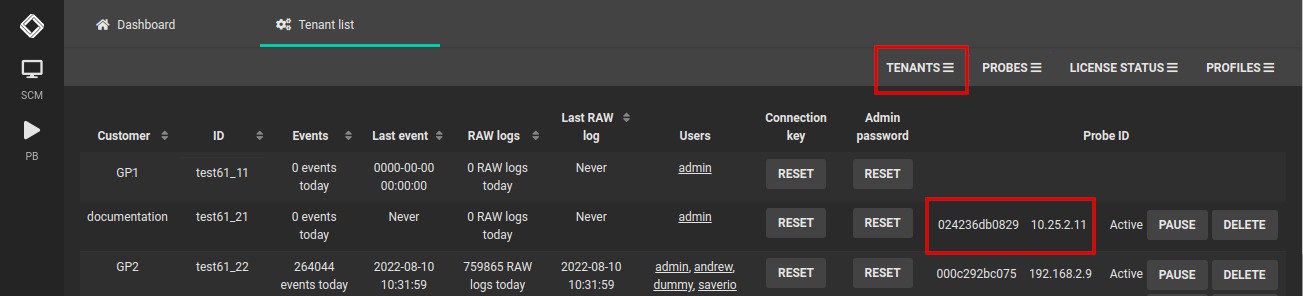
After the collector is associated with the tenant, it’ll start to send logs: SCM > Multi tenant > Manger section TENANTS.