Search another article?
Created On
Print
You are here:
< Back
Introduction
In this article is explained how to create your OPSWAT API key and how to configure SGBox PB.
API Key configuration
Log in to OPSWAT portal: https://my.opswat.com
Click in user Settings > Global > Server Integration
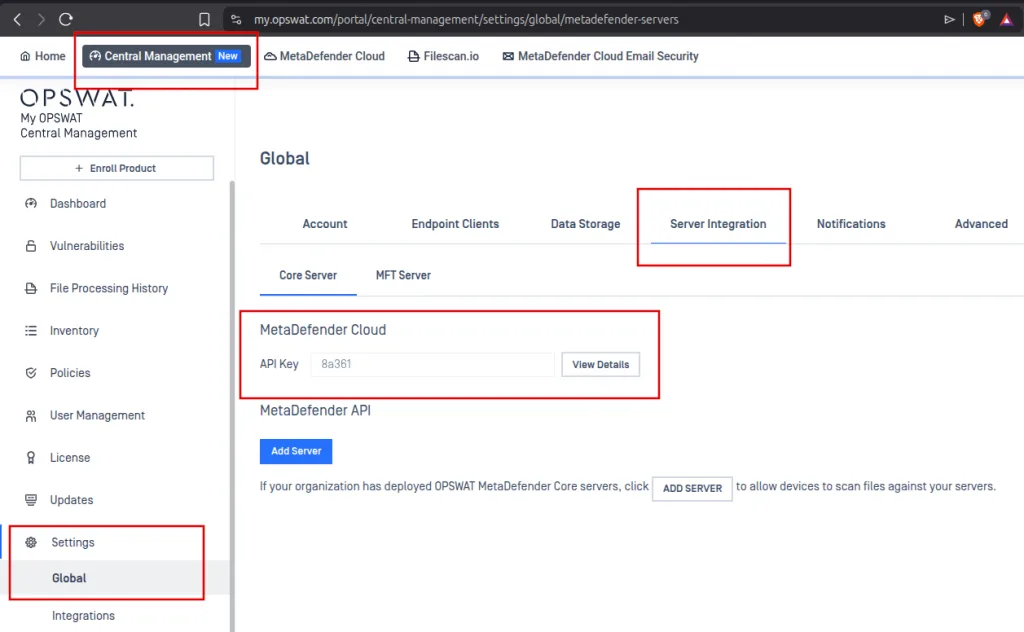
Copy your API Key
SGBox Application configuration
Log in to SGBox and doownload OPSWAT application:
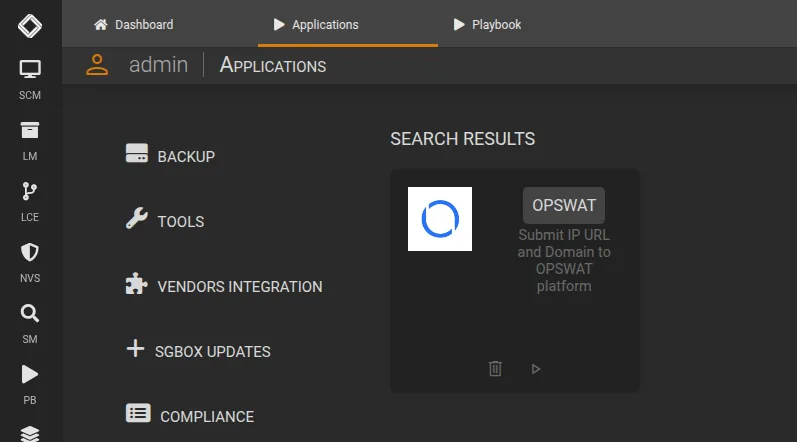
From SCM > Application > SOAR PREMIUM download and install OPSWAT application.
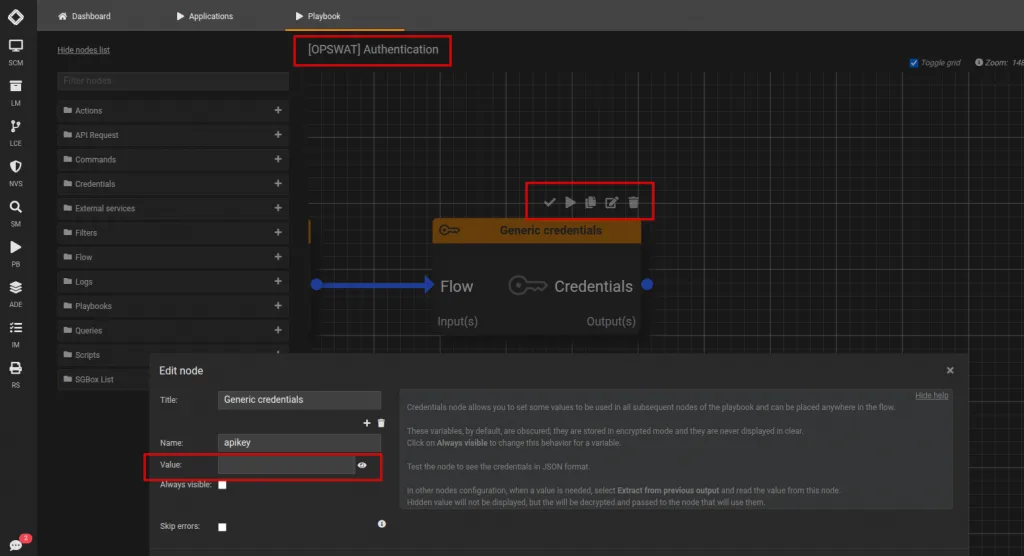
From PB > Playboos edit “[OPSWAT] Authentication“. Edit Credential node and paste your API KEY in value field then click on Save