Proteggiamo il tuo ambiente digitale da qualsiasi attacco informatico. Sfrutta tutte le potenzialità della piattaforma SGBox!

Gallery

Contatti

Via Melchiorre Gioia, 168 - 20125 Milano

info@sgbox.it

+39 02 60830172

Skip to main content
You are here:
< Back

Sophos Central Configuration

SGBox can integrates with Sophos Central. You will need to create an API Token in Sophos Central Admin in order to allow SGBox to access to the different data using the Sophos Central APIs. Once the API Token is created, simply provide the credentials in SGBox application and schedule the app.

The main steps are:

  1. Generate an API Credentials
  2. Install the Sophos Vendor Integration
  3. Schedule the Sophos Vendor Integration
  4. Install SophosCentral Package

1 Generate API Key

  • Login to Sophos Central Admin Portal.
  • Go to Global Settings > API Credential Management.
  • Click Add Credential.
  • Give a name to the token and click on Add. The API credential Summary for this credential is displayed. 
  • Click Show Client Secret to show the Client Secret.
 

2 Vendor Integration Installation

Log in to SGBox web interface and go to SCM > Application > Vendors Integration and Install Sophos Central the app.
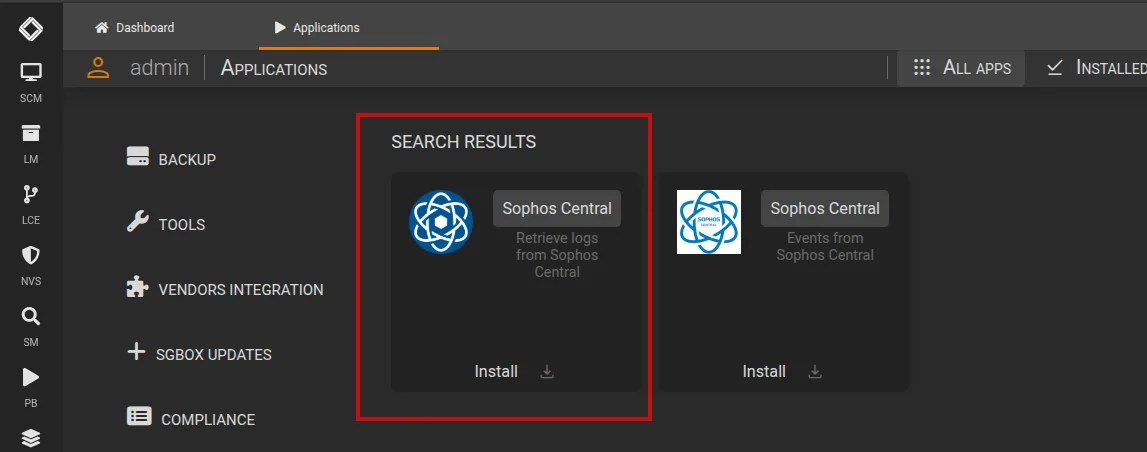
Sophos Central configuration

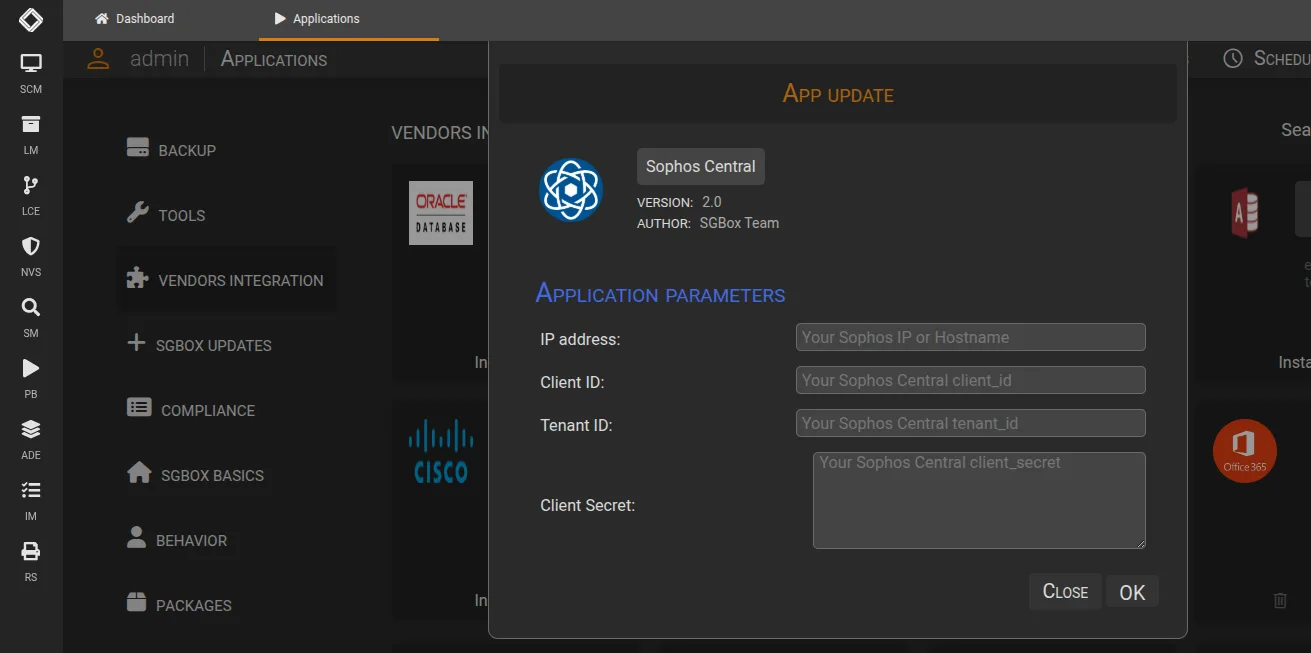
You need to specify:

  • IP Address: How the Sophos Central system will appears in the your host list
  • Client ID: Shown in credentials
  • Tenant ID: Shown in credentials (if present)
  • Client Secret: Shown in credentials

Sophos Central configuration

3 Schedule Vendor Integration task

After configured you need to schedule the app: Schedule Application

You are now able to see the logs in LM > Analysis > Historical Search

4 Download and Install Sophos Central Package

You can now download preconfigured dashboards and events using the package app: SCM > Application > Packages
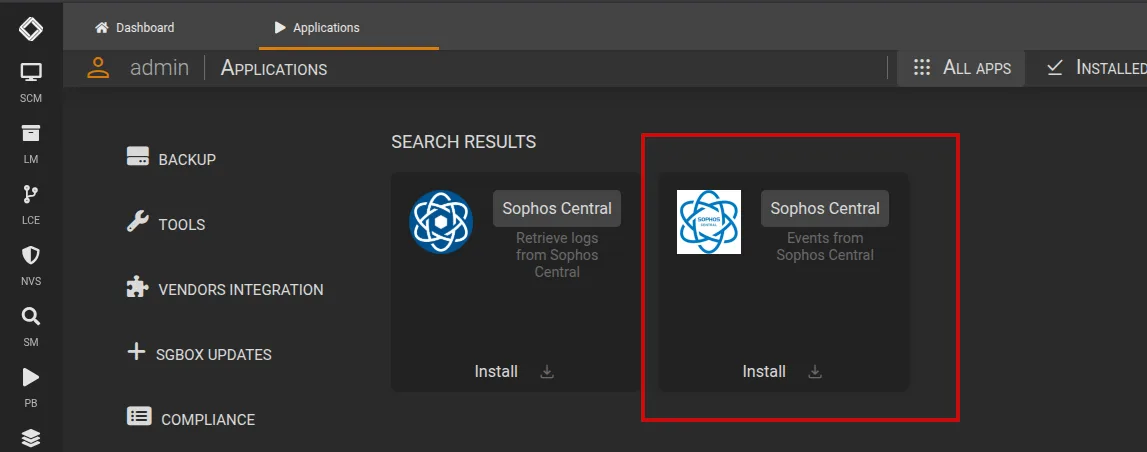
Sophos Central configuration