Search another article?
The collector is a virtual appliance based on the Linux operating system, and is responsible for performing certain tasks of SGBox, such as collecting logs from local data sources and sending them to SGBox, via HTTPS (port 443) by establishing an encrypted channel. In addition the collector offers caching capabilities if the communication between the collector and SGBox should interrupt during the sending of data from the sources.
Requirements:
- A collector must be deployed in your virtual infrastructure.
- HDD 80 GB
- RAM 4 GB
- CPU 2 Core
- The ports utilized by collector can be seen here Network Requirements
Notes: minimum requirements given above indicates what the appliance image will take automatically when deploying in virtualization environment, the hardware resources should be resized according to the tasks the collector will have to perform.
Collector network configuration
You can configure the Collector network configuration using the CLI tool present on the collector. Connect via ssh (using a program like Putty, or, virtualization console) to Collector specifying the User and Password.
User: cli
Pass: changeme
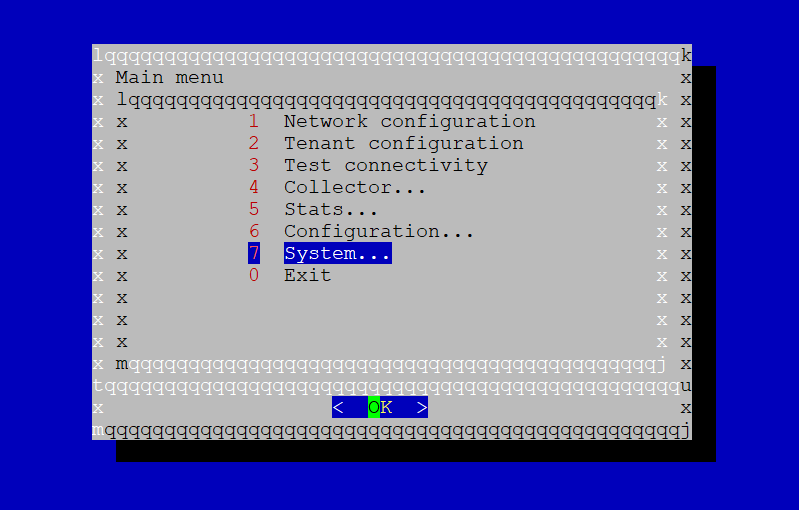
Choose Network configuration
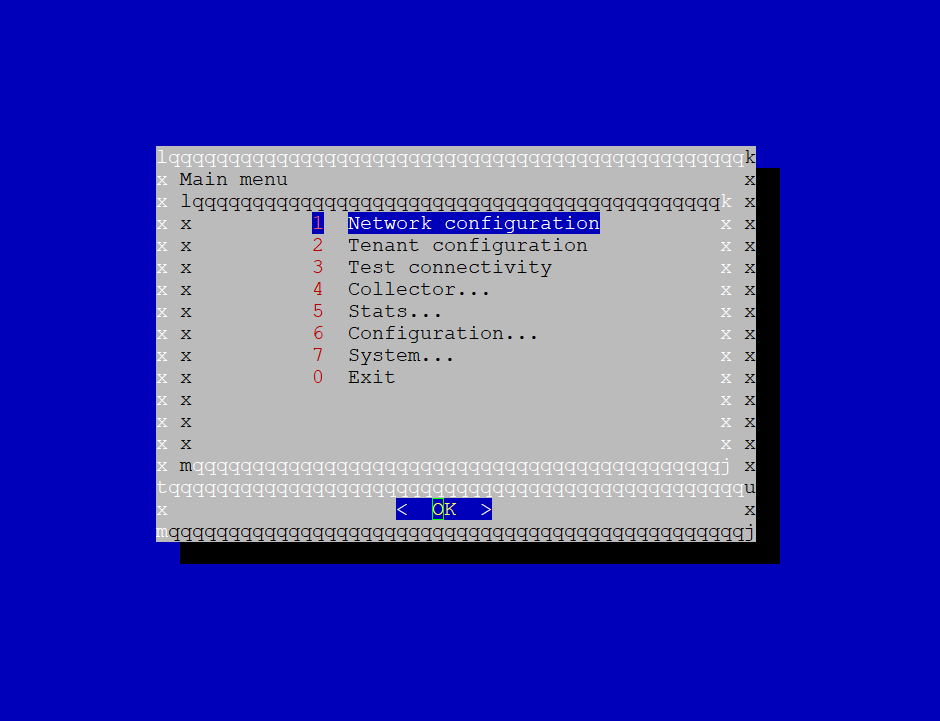
Select Configure Collector interfaces
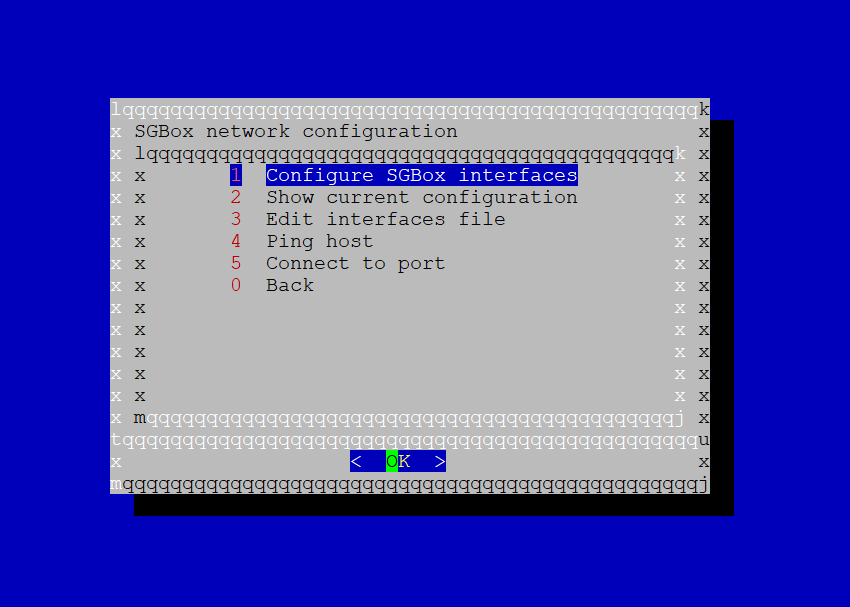
This option allows you to configure all the parameters (IP, Gateway, DNS and Domain) by
following the wizard
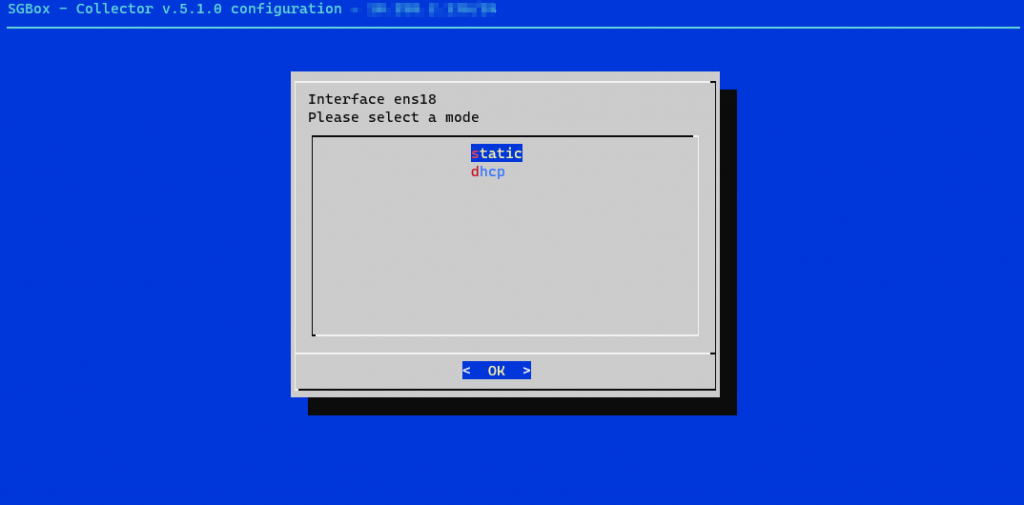
Select the interface you want to configure.
Select static option from the menu
Configure all the parameters
Configure all mandatory parameters (IP, Gateway, DNS and Domain). Note: If you want to add more than one DNS, you must use the character “,” to distinguish the first DNS from the second, e.g. 1.2.3.254,8.8.8.8.
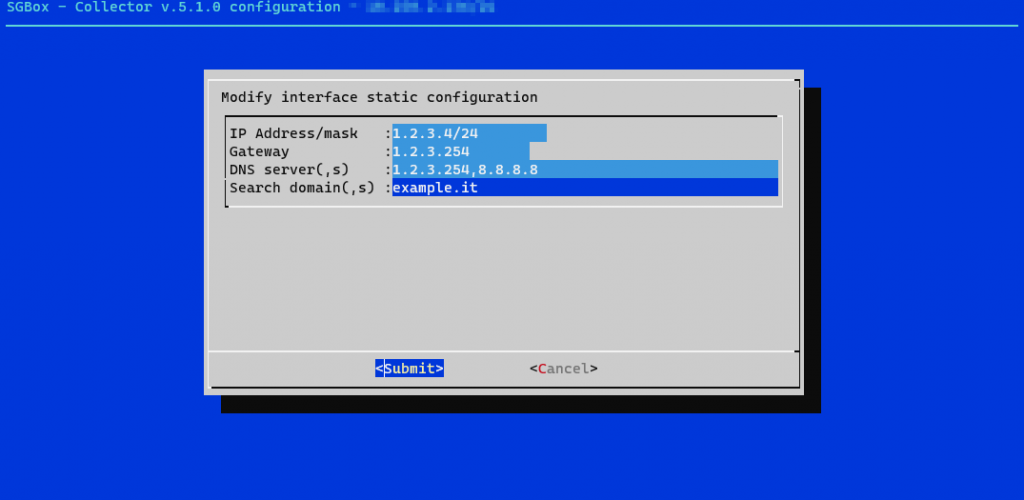
Click on Submit to finish the configuration and choose when to apply it.
Establishing a connection with SGBox
This article explains how to configure the communication between collector and SGBox. It’ll be used to download collector updates and to send logs received by the local devices to SGBox.
Requirements:
- A collector must be deployed in your virtual infrastructure.
- The configuration of the collector network must be finished.
Configure and register collector for SGBox
Connect via ssh (using a program like Putty, or, virtualization console) to Collector specifying the User and Password.
User: cli
Pass: changeme
Tenant configuration
Choose Tenant configuration
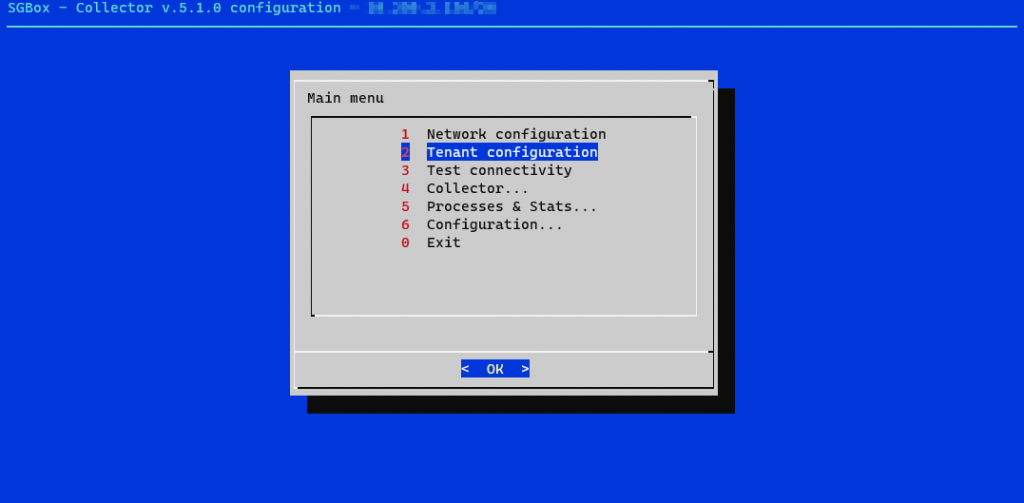
Configure all the parameters by entering the SGBox IP address and Tenant UID.
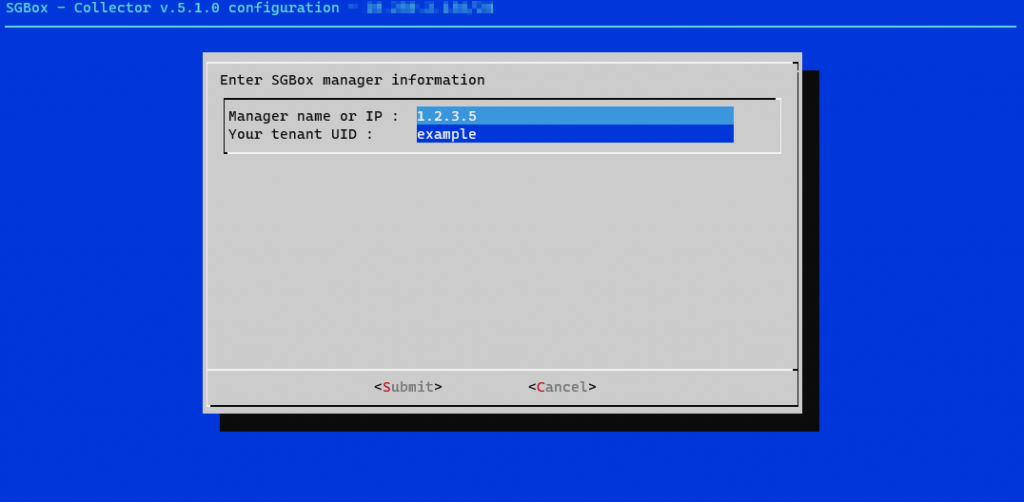
Click on Submit to finish the configuration.
SGBox IP address: it depends on where SGBox is located you can insert a hostname, public IP or private IP.
TenantUID: is the code that identifies the tenant. You can find it in SGMaster on section SCM > Multi tenant > Manager then select TENANTS and identify the code in column ID
Register the collector
Choose Collector
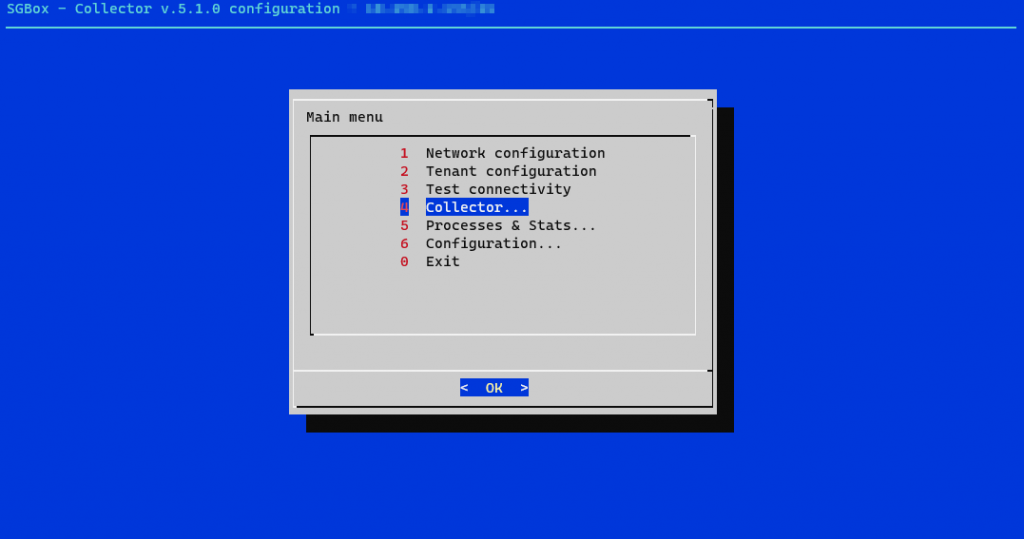
Select Register collector
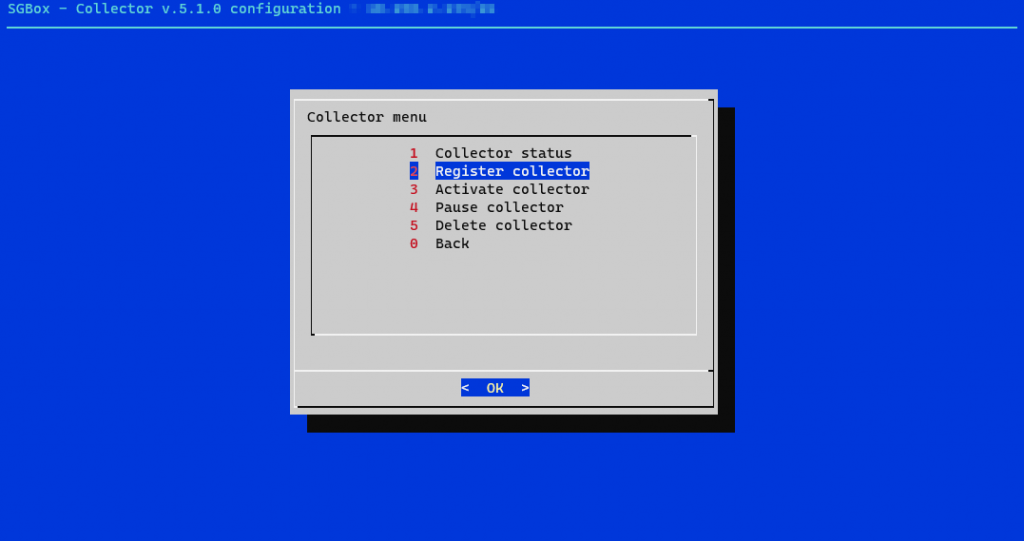
Enter Key Probe for Connection: the password you have configured during tenant creation activities.
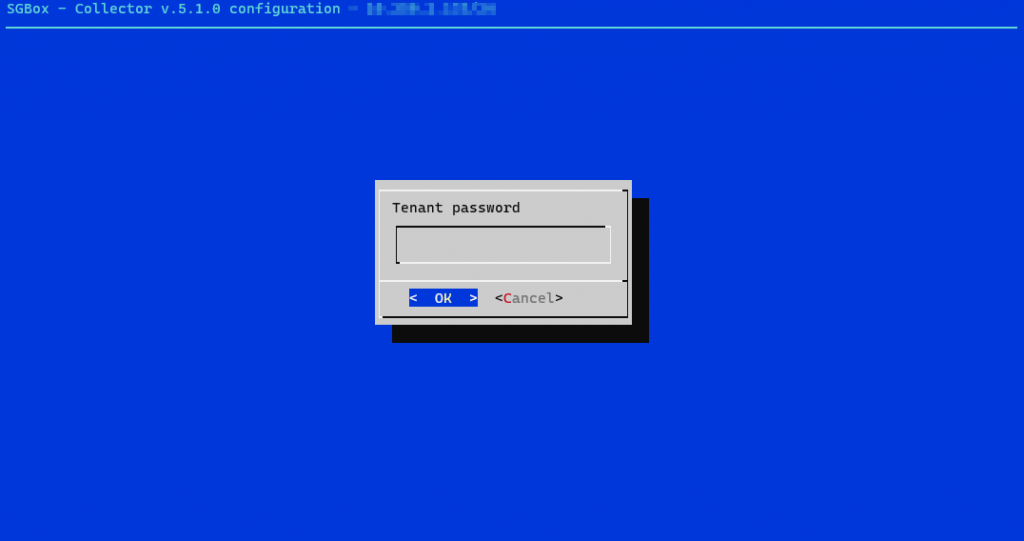
If you can’t remember the password, you always have an option to reset it and get a new one from SGMaster on section SCM > Multi tenant > Manager and then click the “Reset” button under the Connection key column. After that follow the section on this page below to restart process.
SGBox Cloud
If your tenant is on SGBox Cloud, customers are asked to open a ticket to SGBox support via the ticket platform (https://sgboxportal.sgbox.it) by entering “collector registration for cloud tenant” in the subject of the ticket.
External Cloud
Contact the person/company who manages SGBox for more guidance on how to obtain the key to register the collector and connect it to your tenant.